
Size and color variants: keeping stock and price in sync
August 4, 2026
To keep the stock and price of your size and color variants in sync across Amazon, MercadoLibre and Shopify, the rule is easy to state and hard to live by: every variant — the black tee in small, black in medium, blue in large — must be a single record that exists once and reflects everywhere at the same time. Not one row per channel that you copy by hand, but a single source that, when you sell a unit anywhere, deducts that exact SKU across all channels within seconds. Without that foundation, “syncing” is an illusion that breaks the first busy week.
The problem isn’t that you have variants; it’s that a garment or an optioned product multiplies fast. Five sizes across four colors is twenty real SKUs, each with its own stock, its own price, and its own sell-through speed. Now add that every marketplace models them differently: Amazon uses a parent product with children, MercadoLibre handles variations inside one listing, and Shopify has its own variant schema. Twenty SKUs times three channels, each with its own logic, is exactly where the multichannel seller ends up with a giant spreadsheet, three open tabs, and the nagging sense that something is always out of sync.
And usually something is. The best-selling size runs out first, but you only marked it out of stock on Amazon and forgot MercadoLibre — so you keep selling a black medium you no longer have. Or you raised the price of the blue line in Shopify after a cost increase, but the other two channels still carry the old price, giving away margin on every sale. Syncing variants isn’t a cosmetic nicety of the catalog: it’s what prevents oversells, cancellations, and sales at the wrong price.
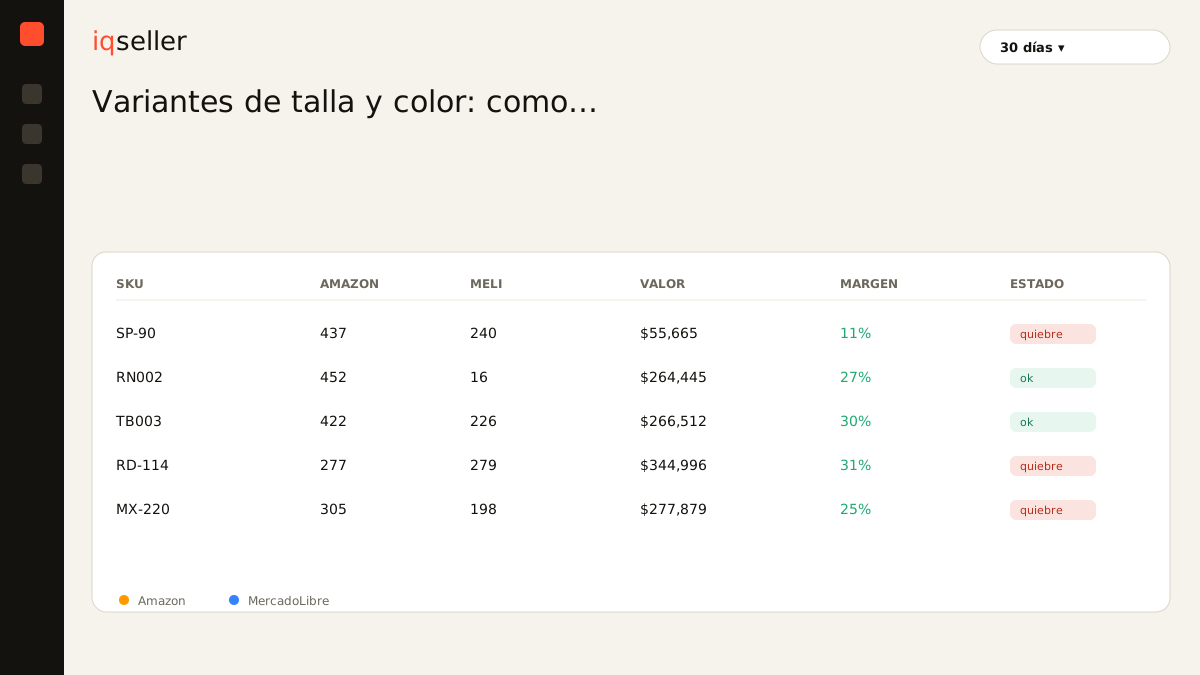
why the variant, not the product, is the real unit
The root mistake is thinking about “the product” when what you actually sell are variants. The buyer doesn’t buy “the tee”; they buy the black tee in size M. That exact combination is the one that has stock, the one that runs out, the one you restock. If your control lives at the parent-product level, you’re blind to the only thing that matters: which of the twenty combinations is selling and which is dead in the warehouse.
That’s why every variant needs its own unique, stable SKU shared across channels. That SKU is the thread that ties the black M tee on Amazon to the same one on MercadoLibre and on Shopify: they’re the same physical object on the same shelf, and they must deduct together. When the SKU is consistent, syncing is nearly automatic; when each channel has its own invented code and you join them by hand, every sale is a chance to get it wrong.
This is where the product identifier becomes critical. A correct EAN or GTIN per variant doesn’t just help you build the listing right: it’s the guarantee that Amazon and MercadoLibre are talking about the same piece you have in Shopify, and not a look-alike. If you want the naming and ordering of all these combinations to stay under control, read how to name and organize size and color variants without confusing your catalog; a well-named catalog is half the battle.
Dictionary: what an EAN/GTIN is and why every variant needs its own →stock: why a single pool prevents oversells
Variant oversells have a concrete cause: you split your inventory across channels in your head. “I have 30 black M tees, I’ll put 15 on Amazon and 15 on MercadoLibre.” It sounds tidy, but it’s a trap. If Amazon sells its 15 fast and MercadoLibre only 3, you have 12 units sitting idle that you can’t sell on Amazon even though demand is there — while you risk both channels touching the same physical pieces and ending up selling 31 out of 30.
The right answer is a single pool: the 30 units are one figure that all channels read, and each sale — wherever it comes from — deducts from the same total. When you hit zero on black M, all three channels mark it sold out at the same moment, not whenever you remember to log into each panel. This is exactly the problem real time solves: the difference between splitting blindly and seeing one live number.
That live number is what the dictionary calls real availability: not what you bought, nor what you think is left, but what you can actually commit right now per variant, already net of in-flight sales and reservations. Without a real availability per SKU, each channel operates off an old snapshot, and old snapshots are the raw material of oversells.
Dictionary: what real availability means and why it’s computed per variant →price: syncing without ignoring each channel’s fees
Syncing price doesn’t mean putting the same number everywhere. It means a price change propagates in a controlled way, respecting that each channel has its own cost structure. Amazon’s commission isn’t MercadoLibre’s, and the shipping you absorb on one may not match the other. If you copy an identical price to all three, on one you’ll be giving away margin and on another you’ll be priced out of the market.
What should be synced is the intent behind the price. When your cost on the blue line goes up, every blue variant should react at once, on every channel, according to its formula. When you launch an end-of-season promo on the sizes you’re overstocked on, that promo should turn on — and, crucially — turn itself off everywhere, so you’re not still selling at a discount three weeks after it ended. Price is a datum every bit as live as stock; a snapshot frozen in a spreadsheet is born stale.
And here price crosses paths with advertising. If you’re running ads on a variant, the margin at that new price determines whether your ad is still profitable or already costing you money. That’s why it pays to understand what ACoS is before moving prices on variants you have in campaigns: a price change without looking at ACoS can turn a campaign that was profitable yesterday into a loser. Price, margin, and ad spend are the same conversation once you manage twenty SKUs.
the size-color matrix: reading what sells and what’s dead
The hidden upside of treating each variant as a real unit isn’t just avoiding errors: it’s seeing the full matrix. When stock and sales live per SKU, you can read at a glance which combinations fly off the shelf and which have sat still for months. Black M and black L sell out every two weeks; yellow XL hasn’t moved in eighty days. That changes what you restock, what you clear out, and what you stop buying.
That reading is impossible when inventory is split by hand across panels. With three tabs and a spreadsheet, the most you see is “I sold X black tees”; never which size, nor whether the entire yellow color is an anchor eating your working capital. The size-color matrix only appears when there’s a unified catalog where each variant is a row with its own sales history and its own stock, identical across channels.
That unified catalog is the foundation for everything else. It’s not bureaucratic overhead: it’s the only way for a single action of yours — marking M sold out, raising the blue price, clearing the XL — to reflect on Amazon, MercadoLibre and Shopify without you repeating the work three times and praying you didn’t fat-finger one.
Dictionary: what a unified catalog is and why variants need one →Shopify in the mix: variants that are born synced
Shopify is often the channel where the variant structure is cleanest, because its option model (size × color) is native and orderly. The friction shows up when you connect it to Amazon and MercadoLibre, which model variations differently. If you bridge that by hand, every product creation is an exercise in manual translation: mapping which Shopify variant corresponds to which Amazon child and which MercadoLibre variation, without mixing up a size.
When a single system maintains that mapping, your Shopify store stops being an island and becomes just another channel on the same pool. You sell black M on Shopify and Amazon sees it drop; it runs out on Amazon and Shopify marks it out of stock. To build that bridge well it helps to have the full process clear; we lay it out in how to integrate Shopify with MercadoLibre: a step-by-step guide for sellers, which applies just the same when the catalog has variants.
The goal isn’t for Shopify to “also have” the variants, but for the variants to live once and for Shopify to be one more window into that single record. When you get there, adding a new color is one action, not three; and running it out of stock is an event, not a to-do in three panels.
what changes when you stop syncing variants by hand
The deep change isn’t “less spreadsheet.” It’s ceasing to be the glue between your channels. As long as you’re the one copying black M’s stock from one panel to another, gaps are inevitable: you don’t update at night, or on Sunday, or all twenty variants the same minute one sells. Through one of those gaps slips an oversell, a cancellation, or a sale at a price from two months ago.
When syncing is the system’s job, those gaps close on their own. Each sale deducts the right SKU everywhere; each price change propagates with each channel’s formula; each stockout reflects at once. Your work stops being keeping the sheet square and becomes deciding: what to restock, what to clear, what price to set. Which is where you actually add value as a seller.
For anyone selling apparel, footwear, or any optioned product on Amazon, MercadoLibre and Shopify at once, keeping size and color variants in sync is one of the things that most removes noise from daily operations. It’s not a slogan: it’s simply what happens when each variant exists once, with its real availability and its live price, and a single source of truth makes all three channels tell the same story at the same time.