
How to unify your catalog when each marketplace uses a different SKU
July 17, 2026
To unify your catalog when each marketplace uses a different SKU, don’t try to force every channel onto the same code: that’s impossible once each one already has years of history with its own naming convention. What actually works is picking a master identifier that represents the same physical product seen from any angle, and mapping each channel’s SKU against it. The natural candidate for that master identifier is the EAN or GTIN, the standard barcode that stays attached to the product no matter where you list it. With that anchor, a unified catalog stops being an ideal and becomes a concrete table: one row per real product, and beside it the columns holding the SKU Amazon assigned, the one MercadoLibre assigned, the one from your Shopify, and the one from your 3PL.
The problem you’re living with is familiar to any multichannel seller. You opened Amazon first, and there your product is SPT-BLUE-M. Then you expanded to MercadoLibre, and whoever uploaded the listings used sportify-tee-blue-medium. Your Shopify auto-generated it as SP-1047. And your logistics operator has it on file as LOC-33-B. Four codes, one product, zero connection between them. When you want to know how many units you have in total, or how much of that model you sold this week across every channel, you end up with four tabs open, a half-built spreadsheet, and the feeling that the final number is more of an estimate than a fact.
Unifying doesn’t mean renaming everything until it matches. It means building a map: a layer that knows those four different SKUs are the same box. That map is what lets you stop thinking listing by listing and start thinking product and its channels. And once it exists, the manual glue work — the hours that vanish every week stitching figures together by hand — disappears, because the reconciliation is done by the system against the master identifier, not by you against your memory.
why each marketplace ends up with a different SKU
It’s not carelessness on your part; it’s how the ecosystem works. Each channel came online at a different moment in your operation and under different rules. Amazon pushes you toward one format, MercadoLibre toward another, Shopify auto-generates one if you don’t provide it, and the 3PL uses its own physical location as the code. On top of that, it’s almost never one single person uploading everything: one teammate starts, another takes over, each with their own criteria, and you end up with three naming conventions coexisting inside the same business.
Add variants to that. A tee with size and color isn’t a product, it’s a family, and each channel breaks that family down its own way. Amazon creates a child SKU per combination, MercadoLibre sometimes packs it all as variations under a single listing, and your Shopify may use yet another scheme. The result is that even within the same product the codes don’t line up. That’s why fighting for “one SKU to rule them all” is a losing battle: the smart move is to accept that each channel keeps its own and unify them from above.
the master identifier: why the EAN or GTIN is the anchor
The key to a unified catalog is choosing an identifier that doesn’t depend on how each channel christened the product, but on what the product physically is. That identifier is the EAN or GTIN. It’s the international standard barcode: the same product carries the same GTIN whether you look at it on Amazon, on MercadoLibre, or on the box in your warehouse. Unlike a SKU, which is an internal label anyone can invent, the GTIN is designed precisely to be universal.
When you use the EAN or GTIN as the anchor, the mapping almost suggests itself: if two listings from different channels carry the same GTIN, the odds are very high they’re the same product. At that point the system can propose the link and you simply confirm. The heavy lifting stops being “manually hunting for what matches what” and becomes “reviewing and approving suggestions.”
Glossary: the EAN and GTIN are the product’s standard barcodes; because they’re universal, they work as a master identifier to link the same item across marketplaces even when each channel uses a different internal SKU.what you do when the EAN doesn’t match across channels
Here’s the uncomfortable part nobody tells you: in practice, the EAN is almost never clean across all four channels. One has it captured with an extra zero, another left it blank because it wasn’t required when the listing went up, another inherited it from a supplier who reused the code for two different products. If your unification depends on the GTIN matching 100%, you’ll be left with half your catalog unlinked.
That’s why the mapping can’t rely on a single signal. When the EAN fails, you cross-check others: your normalized internal SKU, the product title stripped of accents and casing, the specific size-and-color variant, even the reference price. When several signals point to the same product, confidence rises even if the GTIN is dirty. And when they contradict each other, that gets flagged for human review before anything is merged, because linking wrong is worse than not linking: you start adding the stock of two different products as if they were one. That identifier mess is the number-one cause of broken links, and we cover it in depth in why your inventory never matches across channels without a unified catalog.
the mapping table: one row per product, one column per channel
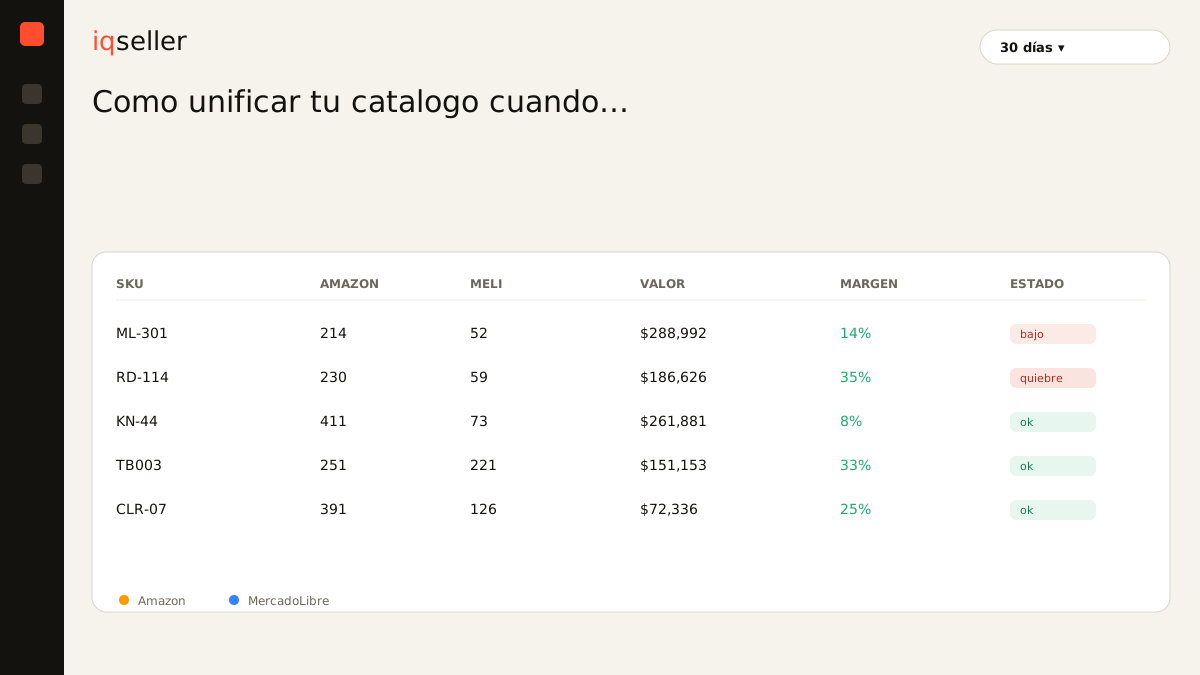
Let’s make concrete what the unified catalog looks like once it’s built. Picture a table where each row is a real product — a specific variant, with its GTIN — and the columns on the right store the SKU that product has in each channel. SPT-BLUE-M on Amazon, sportify-tee-blue-medium on MercadoLibre, SP-1047 on Shopify, LOC-33-B on the 3PL: all pointing to the same row because they share the same master identifier.
That table is the heart of everything. With it, when a sale comes in on any channel, the system knows which real product to deduct inventory from, even though the sale arrived tagged with that marketplace’s odd SKU. When you want the total sold for the model, it adds up by row, not by listing. And when new stock lands at the 3PL under its internal code, the map translates it to the correct product without you touching anything. The per-channel SKU still exists — you don’t delete it — but it stops being an island and becomes one more column hanging off the central product. If you want to go deeper on how to structure that hierarchy, we develop it in master SKU vs channel SKU.
Glossary: the unified catalog is the model where one physical product is the central entity and each marketplace’s SKU is just one of its representations, mapped against a master identifier.unified stock: where the mapping turns into money
All this mapping effort isn’t an exercise in order for order’s sake. It serves one very concrete purpose: to stop overselling. As long as each SKU lives in isolation, each channel believes it holds all the available units. You sell 30 on Amazon, you have 10 left, but MercadoLibre keeps offering 40 because it never heard about the other channel’s sale, and by the time you notice, you’ve already promised units that don’t exist.
With the unified catalog, stock is calculated once against the physical total and synced out to each listing using the map. The number that matters is the available real: what you can genuinely promise right now, already netting out what’s committed across all channels and what’s set aside for pending shipments. That number is a single one, even though it’s expressed in four listings with four different SKUs. When that sync happens in real time — a topic we cover in real-time inventory — overselling stops being a permanent risk and becomes a rare case.
Glossary: the available real is the inventory you can sell right now, once you subtract what’s committed across all channels — not the sum of what each listing shows separately.what the work looks like once the mapping exists
The practical change isn’t that you see more data, it’s that you stop assembling the information by hand. Before, to know the story of a single model, you had to open Seller Central, the MercadoLibre listing, your Shopify, and the 3PL panel, and mentally translate that SPT-BLUE-M and SP-1047 were the same thing. Now you open the product and there are its four SKUs, its reconciled stock, its summed sales, and its margin per channel, without you having played translator.
Unifying the catalog by master identifier doesn’t remove the marketplaces or spare you from understanding their rules. What it removes is the glue work: those hours that vanish every week copying figures between dashboards and praying the spreadsheet is current. You accept that each channel keeps its SKU, you tie them to a master GTIN, and from there you decide based on today’s situation instead of discovering problems once they’ve already cost you a canceled sale. Each marketplace’s different SKU stops being a headache and becomes simply a detail of each storefront, while the real product — a single one — stays firm at the center.