
How to lower ACoS in a campaign without losing sales
July 23, 2026
To lower ACoS in a campaign without losing sales, the answer is not to slash your budget across the board: it’s to remove the spend that doesn’t convert while protecting the spend that does. In practice that means three moves working together: adding negative keywords so you stop paying for irrelevant searches, adjusting bids term by term—lowering them on expensive search terms that don’t sell and raising them on the ones that do—and refining your targeting so your ads show to shoppers with real buying intent. Done this way, ACoS drops because dead spend disappears, not because you switched off your profitable sales.
The mistake almost every seller makes is treating ACoS like a budget dial: “it’s at 30%, I’ll cut spend 40% and we’re done.” That does lower the number in the report, yes, but it also shuts off campaigns that were bringing in profitable sales. The next day ACoS looks beautiful and sales fell further than spend did. Real optimization is surgical: you identify exactly which terms, which hours and which segments are inflating cost without returning sales, and you cut there. The rest you let run—or even feed more.
The problem, for anyone selling across multiple channels, is that this surgery demands data that’s never in one place. Amazon shows you its search-term report with its own logic; MercadoLibre reports Product Ads with another; your true product cost lives in a separate catalog; and to know whether a term “sells with profit” you have to cross spend against the Glossary: true net margin is what’s left after ALL costs—product, fees, shipping, tax and advertising—not just price minus cost., which by that hour has already changed. So you end up building the same eleven-o’clock spreadsheet, and by the time the table is ready, the bids have already spent another day on the old settings.
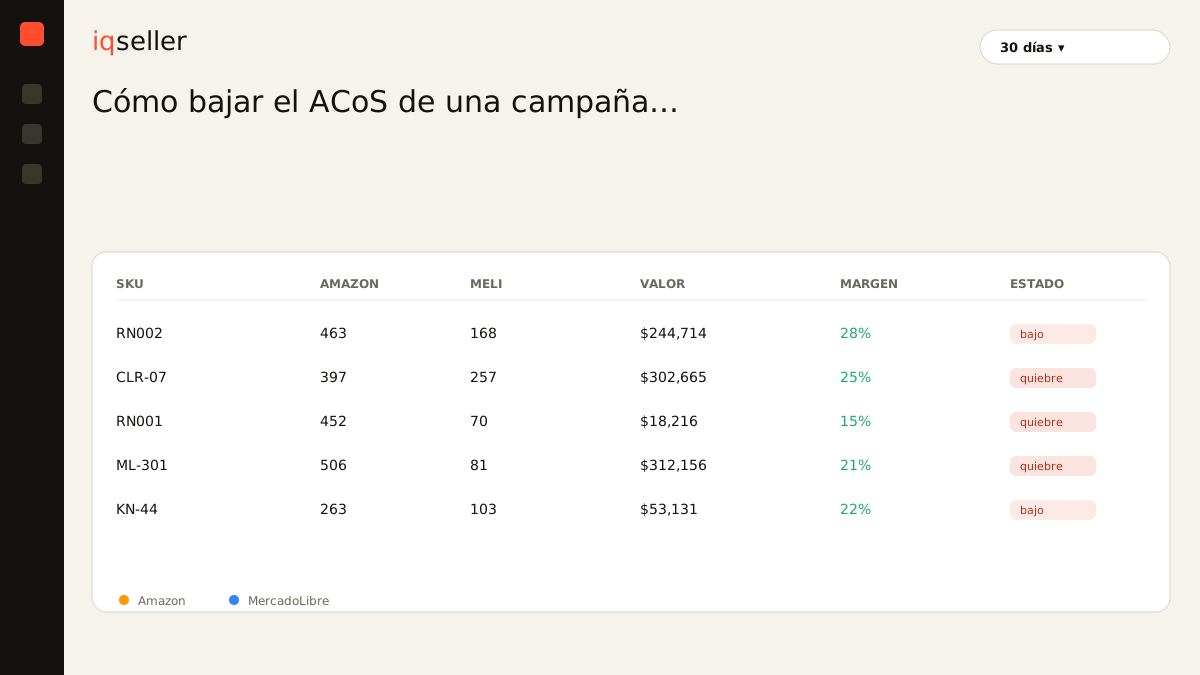
first set your target ACoS, not a random number
Before touching anything, you need to know what you’re aiming at. Lowering ACoS “because 30% sounds high” makes no sense if your margin comfortably absorbs 30%. The goal isn’t the lowest possible ACoS; it’s the lowest possible ACoS without giving up profitable sales. And that floor is defined by your margin, not by a gut feeling.
That’s why the first step is to calculate your target ACoS: the spend percentage that still leaves the profit you want, below your break-even point. If your break-even sits at 34% and you want to keep a certain margin, your target might be 24%. That 24% is the line you’ll judge every term against: the ones well above it are candidates for cutting; the ones below it that convert are the ones to protect or feed. Without that line, “lowering ACoS” is swinging in the dark.
And note: the target isn’t the same on Amazon and MercadoLibre for the same product, because commissions and fulfillment differ. A term that leaves you profit on one channel can make you lose money on the other. If you optimize while looking at a single dashboard, you’re correcting blind on the one you can’t see.
negative keywords: the cut that lowers ACoS fastest
If you could do only one thing today, it would be to review your search-term report and add negatives. In almost every auto campaign—and many broad-match manual ones—there are terms that burn clicks and never convert: searches that resemble your product but aren’t it, intents that don’t match, variants that pull the wrong buyer. Each of those terms inflates your spend without adding a single sale, and therefore raises your ACoS directly.
The mechanic is simple: sort your search terms by spend, find the ones with high clicks and zero (or near-zero) conversions, and add them as exact or phrase negative keywords. Every negative you add is spend you stop throwing away. The effect on ACoS is immediate because the numerator (spend) drops without the denominator (sales) being touched.
The practical rule: don’t flag a term negative over a bad streak of two clicks. Give it enough clicks for the data to be reliable—usually two or three times the clicks it typically takes you to get one conversion—before cutting it. And review negatives on a recurring basis, not once: search terms shift with the season, and a term that doesn’t sell today can become relevant three months from now. Negative-keyword cutting is the single move with the best effort-to-result ratio for lowering ACoS without touching a single good sale.
term-level bids: lower where it bleeds, raise where it wins
With negatives you cut the obviously dead spend. The next level is finer: among the terms that do convert, not all of them perform equally. Some convert at an ACoS below your target—those are gold—and others convert but at a cost above your limit. Bid optimization is precisely about that asymmetry.
For the expensive terms that sell above your target, don’t kill them: lower the bid. Often a 15% or 20% reduction is enough for the term to keep bringing sales but at a lower cost per click, which pulls its ACoS back into range. For the terms already converting below your target, do the opposite: raise the bid. There you have profitable sales you’re probably leaving on the table by showing in a low position. Raising those bids increases profitable sales, which lowers your portfolio-weighted ACoS.
This is the point almost nobody gets: lowering average ACoS isn’t always achieved by spending less. Sometimes it’s achieved by spending more on the right terms. When you shift volume toward your best terms and pull it from the worst, total ACoS drops even if absolute spend holds steady or rises. But you only see this if you have ACoS per term crossed against each SKU’s real margin—not the campaign’s overall ACoS, which averages the good with the bad and hides exactly what you need to see.
targeting and intent: showing up to people who will actually buy
Negatives and bids work on the terms you already have. Targeting decides who you show to in the first place. A broad auto campaign brings a lot of traffic but mixes high intent with casual curiosity; a more segmented structure—campaigns split by match type, by product, by intent level—lets you put budget where conversion is high and contain it where it’s low.
The most profitable tactic is usually “harvesting”: you let an auto or broad-match campaign run as a term discoverer, identify the search terms that convert well there, and “graduate” them to a manual exact-match campaign where you control the bid precisely. In the exact manual you bid hard on what you know sells; in the broad one you lower the budget because its job is no longer to sell but only to discover. That way you stop paying a premium price for speculative traffic.
Targeting also includes when and where. If your conversions cluster in certain hours or days, concentrating spend there and reducing it in the dead hours lowers ACoS without losing sales—because the sales simply weren’t in those dead hours. All of this requires reading advertising alongside the SKU’s real conversion, and here’s where it connects to the rest of the business: a term can start “not converting” not because it lost intent, but because you ran out of the best-selling color. That’s why it pays to watch the campaign next to real-time inventory rather than in isolation.
running out of stock inflates your ACoS without you noticing
This is the link most sellers overlook. Your ACoS can rise without anyone touching a bid, simply because your conversion fell. And why does conversion fall? Often because the Glossary: true available stock is sellable inventory net of reservations and in-transit units; if it drops, your conversion falls and your ACoS rises even though the campaign never changed. ran short: the star variant is out of stock, the listing lost the Buy Box, or delivery time stretched out. You keep paying for the clicks, but fewer people buy. ACoS rises and the campaign report doesn’t tell you why.
If you try to “fix” that ACoS by lowering bids, you’re treating the wrong symptom: the campaign was fine, the problem was operational. The real correction is to restock or pause that variant’s ad while the shortage lasts—not to cut a campaign that under normal conditions was profitable. This only becomes visible when advertising and availability live on the same board: then a rising ACoS is explained at a glance—“ah, this SKU is out of stock”—instead of hiding across three tabs.
This reading connects directly to the point where your ad stops paying off: understanding your break-even ACoS tells you above which percentage each advertised sale starts costing you money, and therefore which campaigns to defend and which to tighten.
the cost of optimizing with yesterday’s data
The real obstacle to lowering ACoS well isn’t not knowing what to do: it’s that by the time you finish building the analysis, it’s already old. You download Amazon’s search-term report, MercadoLibre’s Product Ads report, match them against SKUs named differently on each channel, prorate costs, build the margin formula, and only then can you decide which term to cut. That process takes hours, and meanwhile the bids keep running on the old settings, overspending day after day.
Glossary: ACoS is ad spend divided by the sales attributed to those ads; a low ACoS doesn’t guarantee profit if your margin is thin.When ad spend, real per-SKU margin and availability live in a single source of truth and in real time, the question changes. It stops being “how much did I spend last week?” and becomes “is this term leaving me profit right now, on this channel?” You see the effect of adding a negative or moving a bid on net margin, not just on ACoS in isolation, and you see it today, not in tomorrow’s spreadsheet. That’s where lowering ACoS stops being guesswork and becomes a decision backed by data: you cut the dead spend, protect the profitable sales, and the number drops because the operation improved—not because you switched off the machine.